404 Error
Page not found!
The web address that you have typed in does not seem to exist or may have been deleted.
Here's what you can try to find what you're looking for:
- Click your browser's refresh button (or F5).
- Check the spelling of the URL (web address) to make sure the address is correct including capitalisation and punctuation.
- Click your browser's back button to return to the previous page.
- Search for the page you're looking for in the field at the top right of the page.
Alternatively, you can click on one of the links on the main menu to access our main site sections and go from there.
Exploration services and management
We provide effective and efficient management of your exploration-related tasks, using the most appropriate remote sensing or terrestrial geological, geochemical or geophysical exploration tools. We use exploration management protocols that withstand third party scrutiny and permit the compilation of technical reports that comply with international resource reporting codes (SAMREC, JORC, CIM). As part of exploration management services, we provide strategic advice on project development and value addition strategies informed by an understanding of the strategic, technical, legal and logistical challenges encountered by mineral project developers in various jurisdictions.
Geological modelling and mineral resource evaluation
We provide accurate and successful project evaluation founded on a sound understanding of the geology, mineral economics, mining and industry best practice resource evaluation approaches. We manage the Mineral Resource evaluation process including data processing, interpretation and evaluation; conceptual geological analysis; orebody modelling and Mineral Resource classification as well as Competent Person sign-off in terms of the international protocols (CIM, JORC, SAMREC).
Mineral resource and reserve audits
Mineral resource and reserve audits: We provide risk-based technical and governance audits of Mineral Resource and Reserve statements accompanying annual reports for listed companies. For the execution of these tasks, our Competent Persons for mineral resources and reserves utilise a combination of in-depth technical, management and board experience as well as a solid understanding of the reporting codes and stock exchange reporting requirements. Our audit findings and recommendations provide board members with the requisite line of sight of the overall preparation of Mineral Resource and Reserve statements.
Public reporting
We have a proven track record of preparing independent competent person’s reports in support of corporate activities such as stock exchange listings, mergers and acquisitions or material changes to business and life of mine plans for mineral projects. In the preparation of public reports, we strive to protect the investor and project owners by diligently forming an understanding of the project key value drivers, developmental opportunities and identifying material risks to the achievability of business plans.
Technical reviews and advisory
A solid understanding of the project development cycle, key project value drivers and the minerals industry value chain allows our team to provide bespoke corporate advisory services which include technical due diligence reviews, independent technical reviews and tailored technical advice. Knowing that each project possesses unique attributes and challenges, our technical advisory approach is premised on collaboration with project owner. The collaborative efforts often produce practical and realistic solutions to challenges confronting the project owners.
Independent reviews of scoping, prefeasibility and feasibility studies
Independent reviews of scoping, prefeasibility and feasibility studies: We undertake independent reviews of scoping, prefeasibility and feasibility studies of mineral projects premised on our deep understanding of the complexities and opportunities of these projects. Our unique combination of geological, mining, metallurgical, infrastructure engineering, ESG and financial capabilities positions us well to provide practical, insightful advice. These capabilities provide our team with the flexibility to execute the techno-economic studies, act as the owner’s technical representative or review findings of the studies.
Mineral asset valuation and financial modelling
Our team has comprehensive financial modelling and valuation capabilities for any aspect or stage of mining projects. With wide-ranging knowledge of mineral projects and challenges that face prospective investors, the team has carried out mineral asset valuations according to SAMVAL and VALMIN as well as financial modelling for mining projects throughout the world.
ESG management
Diverse technical skills and experience place our technical team in a favourable position to guide our clients with the management of ESG issues confronting their projects. Our team has a successful track record of converting and applying for prospecting and mining rights for various commodities, preparing social and labour plans and environmental management plans. Our in-depth knowledge of the legal, social and environmental aspects of mineral projects provide the foundation for developing title, ESG strategies and plans that conform to industry best practice and international norms.
Due diligence reviews and asset valuation
We have a proven record of assisting potential investors by providing due diligence support and technical advice to inform investment or mergers and acquisition decisions in the mining industry. We employ a unique structured approach for completing these assignments, which combines high speed of execution and accurate risk/opportunity assessment (high-level or fatal flaw review) and detailed reviews. This industry leading approach to technical due diligence reviews is anchored by an enhanced understanding of the project development cycle and key project value as well as our financial modelling capability.
Competent Person’s Report preparation
We are adept at preparing independent competent person’s reports for single or multiple operations in support of corporate activities such as stock exchange listings, mergers and acquisitions or material changes to business and life of mine plans for mineral projects. Our track record is testimony to a solid grounding in technical aspects of mineral projects and the understanding of the reporting codes and stock exchange reporting requirements by technical experts and competent persons.
Owner’s technical team representative
Our in-house team of experts possesses distinctive advisory capabilities in the geological, mining, metallurgical, infrastructure engineering and financial modelling disciplines as well as leadership capabilities required to act as owner’s technical team during and after acquisitions and post-acquisition feasibility studies. We have acted as the owner’s representative for new investors subsequent to acquisition and during the time of building internal capabilities or for organisations that have technical skills gaps.
Mineral/commodity advisory
A wide geographic footprint and vast commodity experience position our team superbly for assessing jurisdictions and commodities for investment. The team uses diverse experience, strong research capabilities and understanding of global trends in the mining sector for undertaking country risk profiling, mineral target identification and commodity selection.
Due diligence reviews
Our experience with the undertaking due diligence reviews for project owners and investors in support of investment or mergers and acquisition decisions places us in an enviable position to assist deal financiers and other lenders prior to the approval of funding of mineral projects. Using our extensive knowledge of mining project funding models, we assist diverse lenders by providing appropriate due diligence support and technical advice to inform their funding decisions. A structured approach for completing technical due diligence reviews of mineral projects, which combines high speed of execution and accurate assessment, is employed for the execution of these assignments. Our technical and cash flow/financial modelling capabilities allow us to provide a holistic view to the targeted mineral project.
Lender’s team technical representative
We assist lenders by acting as independent technical experts/engineers or lender’s engineer. Our in-house team provides a wide spectrum of technical competencies in cross functional mining disciplines (i.e. geology, mining, metallurgy, infrastructure engineering, ESG and financial engineering). These competencies enable us to act as independent technical experts/engineers or lender’s engineer. We are also proficient at lender’s engineer monitoring of mining projects subsequent to funding as well as reviewing loan repayments and mine planning for pre-existing investments.
Loan/equity independent mineral asset support evaluation
Our comprehensive financial modelling and valuation services provide the requisite support for capital structure decision making and mineral asset valuations. Our independent asset valuations are invaluable for benchmarking with internal valuations prepared by lenders.
Bespoke technical support
We partner with mining service providers such as EPCM companies by providing tailored technical support mainly in the areas of geological and mineral resource modelling, mine planning, cash flow modelling and economic evaluation support for feasibility studies.
Independent reviews of feasibility studies
In addition to participating in feasibility studies, we undertake independent reviews of completed feasibility studies prior to approval by the project owners or EPM companies. This essential step ensures completeness of the study, alternative views on risk assessment and mitigation by EPM companies and endorsement of the overall study findings for governance.
 IN THIS SECTION
![John Murphy [photo]](/images/tmc/dir-john_murphy.jpg)
![Coniace Madamombe [photo]](/images/tmc/dir-corniace_madamombe.jpg)
![Darren Portela [photo]](/images/tmc/dir-darren_portela.jpg)
![Wezi Banda [photo]](/images/tmc/dir-wezi_banda.jpeg)
![Andrew Hart [photo]](/images/tmc/dir-andrew_hart.jpg)
![Keith Wilson [photo]](/images/tmc/dir_keith__wilson.jpg)
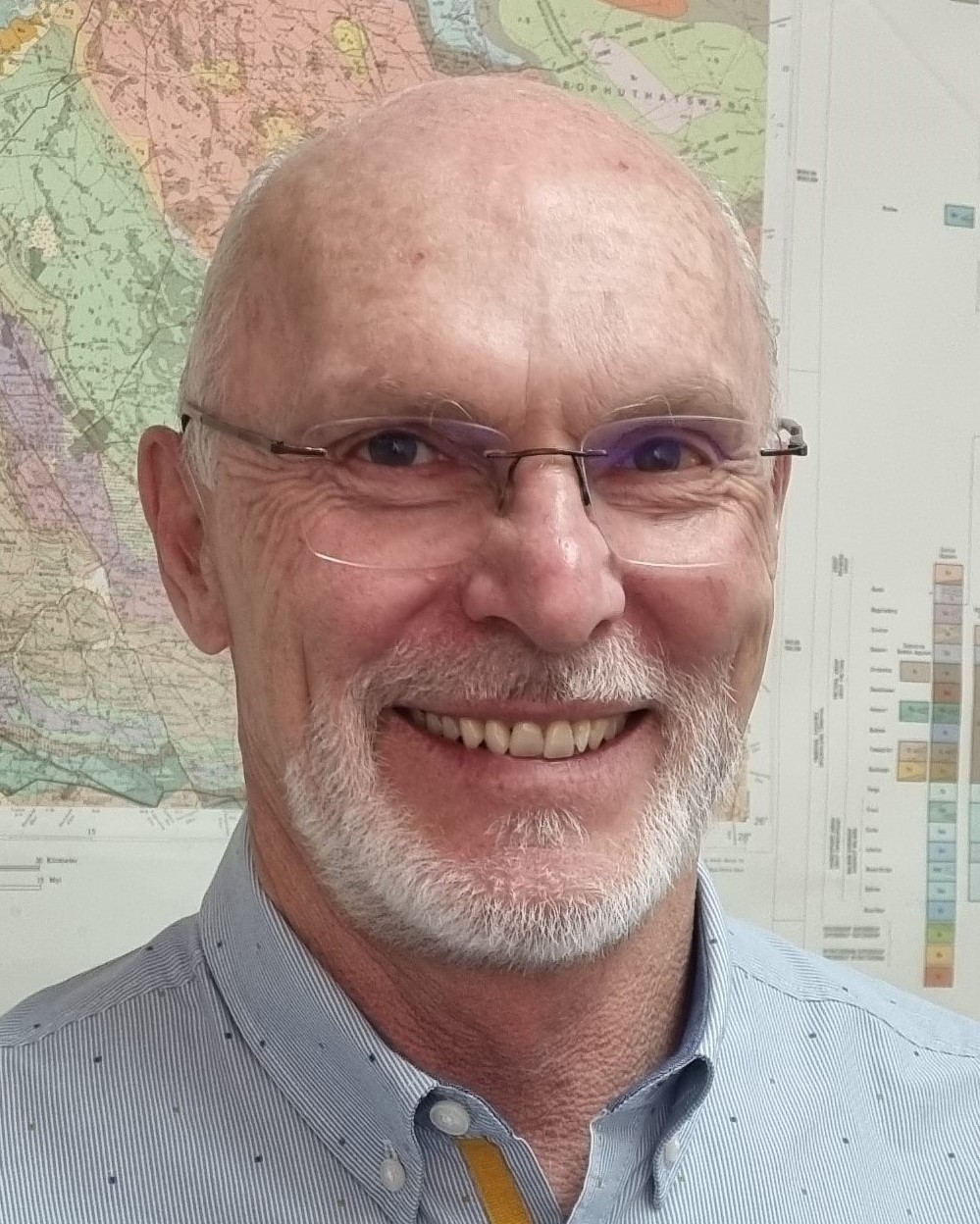
![Mark Stewardson [photo]](/images/tmc/p-mark-stewardson.jpg)
![Stuart Thompson [photo]](/images/tmc/p-stuart-thompson1.jpg)
![Lynne Soulsby [photo]](/images/tmc/p-lynne-soulsby.jpg)
![Bea de Munnik [photo]](/images/tmc/p-bea-de-munnik.jpg)
![Lesang Senannye [photo]](/images/tmc/p-lesang-sennanye1.jpg)